
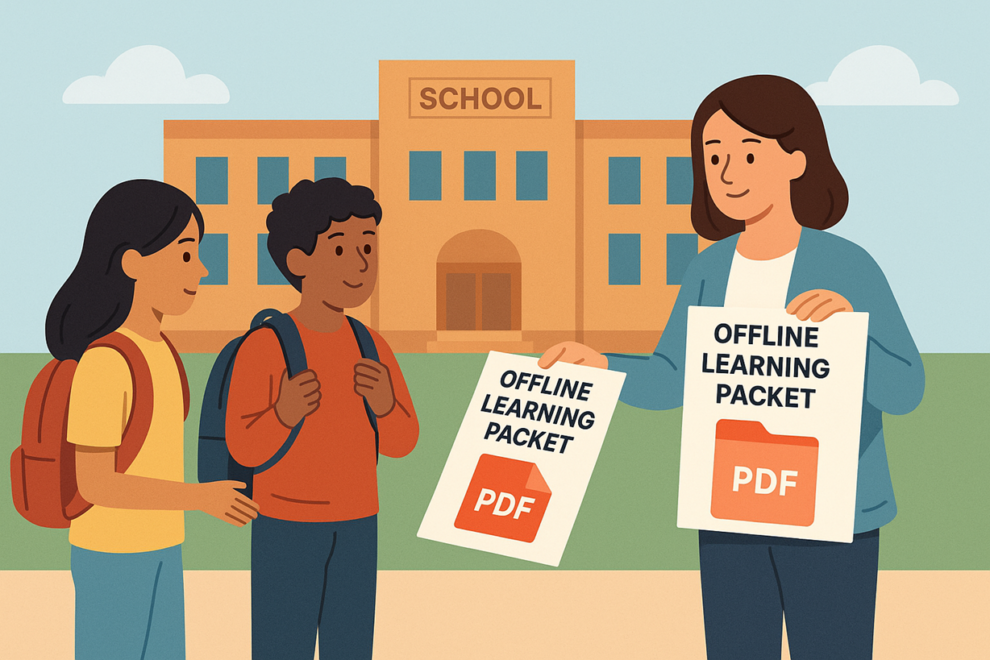

While digital learning continues to grow, thousands of students still struggle with limited or unreliable internet access at home. To ensure every child receives equal learning opportunities, schools have begun using PDF-based learning packets as an offline alternative. These packets—often assembled using tools available on platforms like PDFmigo.com—allow teachers to deliver high-quality instruction without depending on constant connectivity. PDF packets have become a crucial bridge between traditional learning and digital classrooms.
Why Offline Learning Packets Are Still Necessary
Despite massive improvements in technology access, many families still face digital barriers. Some students live in rural areas with unstable service, while others share limited devices with siblings. Low-income families may experience data caps, old hardware, or periods without home internet at all.
Offline learning packets ensure that education does not pause for these students. They provide:
- Consistent access to assignments
- Printable worksheets for home use
- Structured lessons that match classroom pacing
- A uniform learning experience regardless of connectivity
PDF packets have become the preferred format because they work on any device, do not require online access, and preserve the original layout exactly as intended.
The Structure of a Good PDF Learning Packet
A strong learning packet includes more than worksheets. Teachers often combine mini-lessons, examples, diagrams, reading passages, writing prompts, problem sets, answer keys, and reflection activities. This helps replicate the classroom environment as closely as possible.
Because these packets may include many components, teachers often use tools that allow them to merge PDF files into a single organized learning guide. A merged packet prevents students from opening the wrong file or missing part of an assignment. This is especially important when packets cover an entire week or unit.
How Teachers Build Packets From Multiple Sources
Learning packets often begin as a mix of documents: Google Docs, textbook pages, scanned images, and teacher-created resources. Converting all materials into PDFs ensures that students receive consistent formatting. A math explanation page looks the same whether viewed on a phone or printed. A reading passage keeps its exact paragraph spacing. A science lab sheet retains its diagrams.
Teachers frequently reorganize content before finalizing packets. For example, a teacher may take only certain pages from a long reading pdf, or remove outdated examples from an older worksheet. In these cases, tools that allow staff to split PDF help teachers extract only the relevant pages without retyping or recreating entire sections.
Supporting Students Who Learn Offline
Offline learners need more than assignments—they need clarity. Teachers often include:
- Step-by-step instructions
- Visual examples
- Daily pacing guides
- Glossaries or vocabulary lists
- Graphic organizers
- Practice problems with space for writing answers
Since these packets may be viewed on small screens, PDFs allow for clean zooming without losing quality. Students can screenshot pages, annotate files, or print only the pages they need.
Distribution Through Multiple Channels
Schools distribute offline learning packets in various ways:
- Email attachments
- USB drives sent home
- Printed packets picked up at school
- Packets delivered through school buses during emergencies
- Loading packets onto loaner laptops or tablets
PDFs are ideal because they open instantly and do not require specialized software. Families with older devices or outdated operating systems can still access them.
How PDF Packets Support Multilingual Families
Multilingual households often struggle with English-only assignments. PDF packets can include translated instructions or side-by-side versions in multiple languages. Teachers can merge pages in both languages into a single file so parents can assist their children more easily.
Visual supports—such as labeled diagrams or numbered instructions—become clearer in PDF form because formatting does not shift depending on the device used.
Improving Accessibility With PDFs
PDF learning packets support accessibility features that traditional print worksheets cannot:
- Screen reader compatibility
- Keyboard navigation
- High-contrast viewing modes
- Zoom without distortion
- Typed responses instead of handwriting
Students with disabilities—including vision challenges, mobility limitations, or dyslexia—benefit significantly from digital PDF packets.
Record-Keeping and Accountability
Teachers and administrators maintain clear records of what was assigned. PDF packets can be archived by date, grade, subject, or learning unit. This makes it easier to:
- Verify what work students were expected to complete
- Support substitute teachers
- Refer back to previous lessons
- Provide documentation during parent conferences
- Prepare materials for school audits
Because PDF packets are consistent and organized, they are ideal for long-term digital storage.
Helping Students Stay Organized
Students with limited internet access often struggle to keep track of assignments. A single weekly or monthly PDF packet helps them stay on pace. Instead of searching for dozens of separate files, they have one organized document containing everything they need.
Teachers sometimes include a cover page checklist inside the packet showing what should be completed each day. This gives students a self-paced pathway even without daily online guidance.
The Future of Offline Learning
Offline learning packets will continue to play an important role even as technology access improves. Emergencies, power outages, and unexpected school closures make it crucial for schools to maintain offline options. PDFs are stable, portable, and universally compatible—qualities that ensure they will remain the backbone of offline learning.
Conclusion
As schools expand digital learning, they must also support students who lack reliable internet access. PDF-based learning packets provide a simple but powerful way to deliver high-quality education offline. By converting materials to PDF, organizing them logically, and using tools that help teachers merge PDF and split PDF, schools ensure every student receives equitable access to learning, regardless of connectivity challenges.









Add Comment